
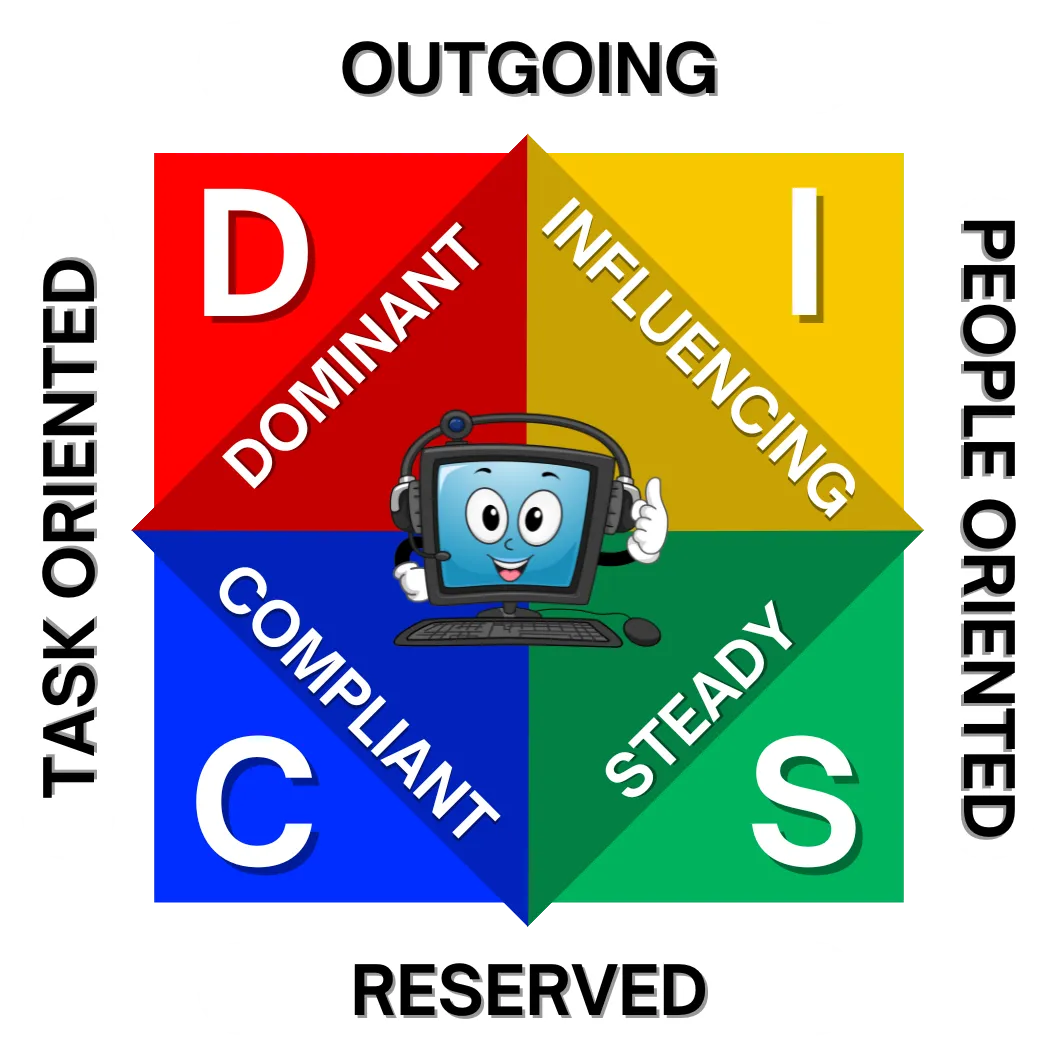
Gain insights to build better, stronger, more fulfilling relationships in your business and personal lives with DISC.
Directions for taking the assessment:
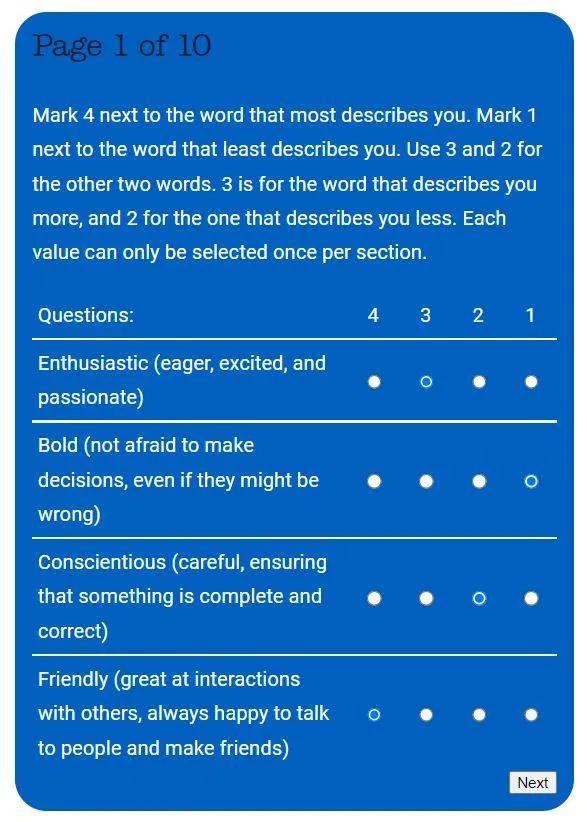
- The DISC assessment has 10 sections.
- In each section, you will see 4 words.
- For each section, rate the words from 1 to 4.- Mark 4 next to the word that most describes you.- Mark 1 next to the word that least describes you.- Use 3 and 2 for the other two words. 3 is for the word that describes you more, and 2 for the one that describes you less.
- After rating the words in each section, click "Next".
- Once you finish all 10 sections, click the "Submit" button.
Here is an example:
To Continue:
- Type in the password "mohdisc" in the password box below.
- Click "Next".
- Fill out the first page form.
- Be sure to put in who referred you.
- READ AND FOLLOW THE DIRECTIONS.